 RegisterMySite
Domain & DNS setup
Search availability and price through Cloudflare Registrar, register, then set nameservers, A and CNAME records, forwarding, and privacy. Zero-downtime cutovers when the records are right.
Small business domain setup & web design
Small business domain setup and web design with Cloudflare static site SEO. Generate HTML, add schema markup, claim Google Business and Yelp, and send campaigns from the HTML email templates. Start a page in the HTML website generator or search a domain below.
Terminal Master
Type real bash commands on the screen. Terminal Master is a educational terminal emulator based on bash, the default interactive shell on the vast majority of Linux distributions. Learn how to navigate through the directories, open the virtual file system with the built in file editor called Nano, and deploy with Cloudflares wrangler using npx wrangler deploy. Use the built in AI Coach for hints and answers. When you complete the 4 levels, sign the global leaderboard to show off your score and how fast you completed the lessons. The leaderboard is scored by timing and correct answers, while hints and answers from the Coach deduct points. You can also click the lid, trackpad, or red button to close it and reopen the laptop lid by clicking the closed lid. The keyboard keys jump to GitHub Desk, Wrangler, and HTML Studio.
Red button, trackpad, or “Close lid” folds the screen. Click the closed lid to open it again.
The whole picture
RegisterMySite keeps domain and DNS, Cloudflare-hosted static sites, local listing optimization, and professional @yourdomain.com email on one desk. You own the code and the data.
Search availability and price through Cloudflare Registrar, register, then set nameservers, A and CNAME records, forwarding, and privacy. Zero-downtime cutovers when the records are right.
In-house sites plus HTML Studio, Widget Studio, and open SVG Studio. Mobile-first, and you keep the files.
HTML Studio deploys write robots.txt, llms.txt, and sitemap.xml. Pair that with the schema markup generator and the meta title generator.
Watch the desk
Published walkthroughs for Advanced Domain Search, HTML Studio, and SVG Studio guide.
These short screen recordings show the path a Los Angeles or Orange County small business can follow on RegisterMySite. You watch a real keyword check in Advanced Domain Search, a page opened in HTML Studio, and a mark made in SVG Studio. The clips are unedited runs, not a slide deck. When you want the step list next to the picture, see all RegisterMySite guides.
Narrated slides
These narrated slide decks and screen guides show how a small business registers a domain, builds a page, adds a form or chatbot, turns on analytics, and deploys on Cloudflare. Each deck is a real run: account, template or tool, the click that saves the work, and the live result. They are written for Los Angeles and Orange County owners, freelancers, and beginners who want the steps in order. see all RegisterMySite guides
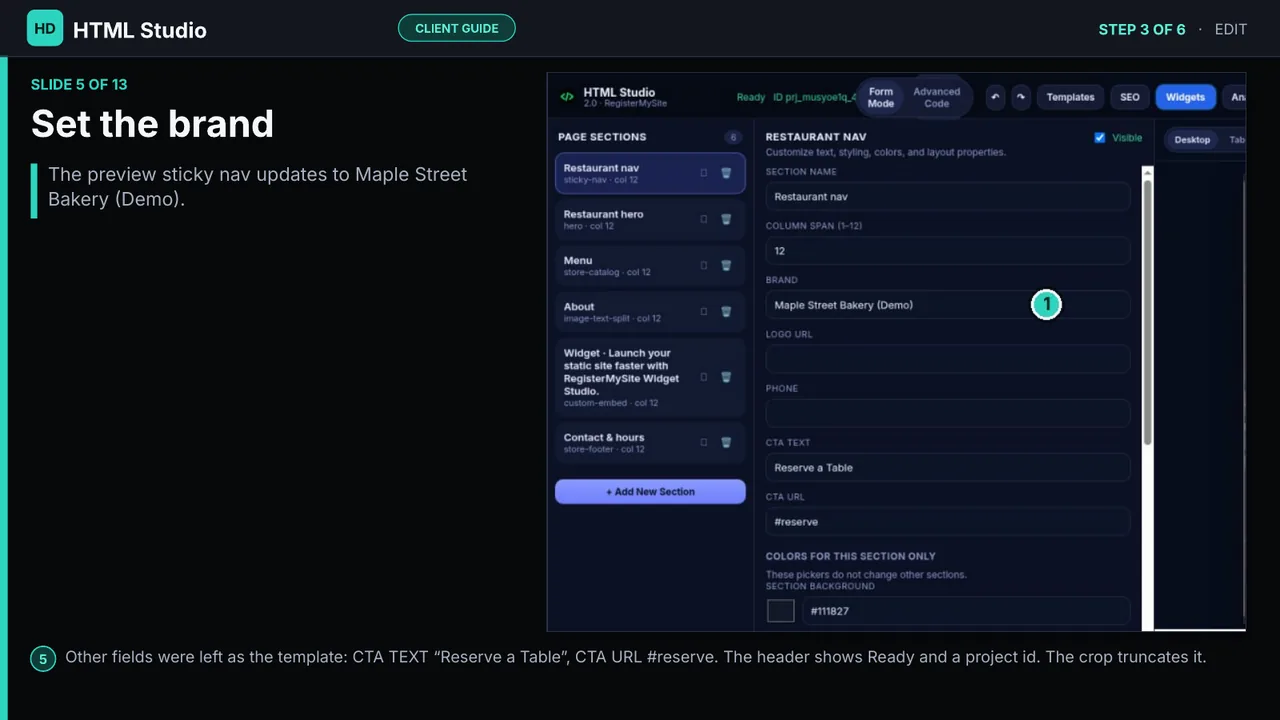
13 slides. Bistro Lumière to a published zone.
HTML Studio is the visual page builder for a static site you own. This 13-slide deck follows a real run: create an account, open the Bistro Lumière template, set the brand and hero heading, add a visitor counter, save the project, and publish it to a zone. It is for LA and OC small businesses and beginners. build and publish a website with HTML Studio
Narration walks through creating an account, opening the Bistro Lumière template, setting the brand, adding a visitor counter, saving, and publishing to a zone.
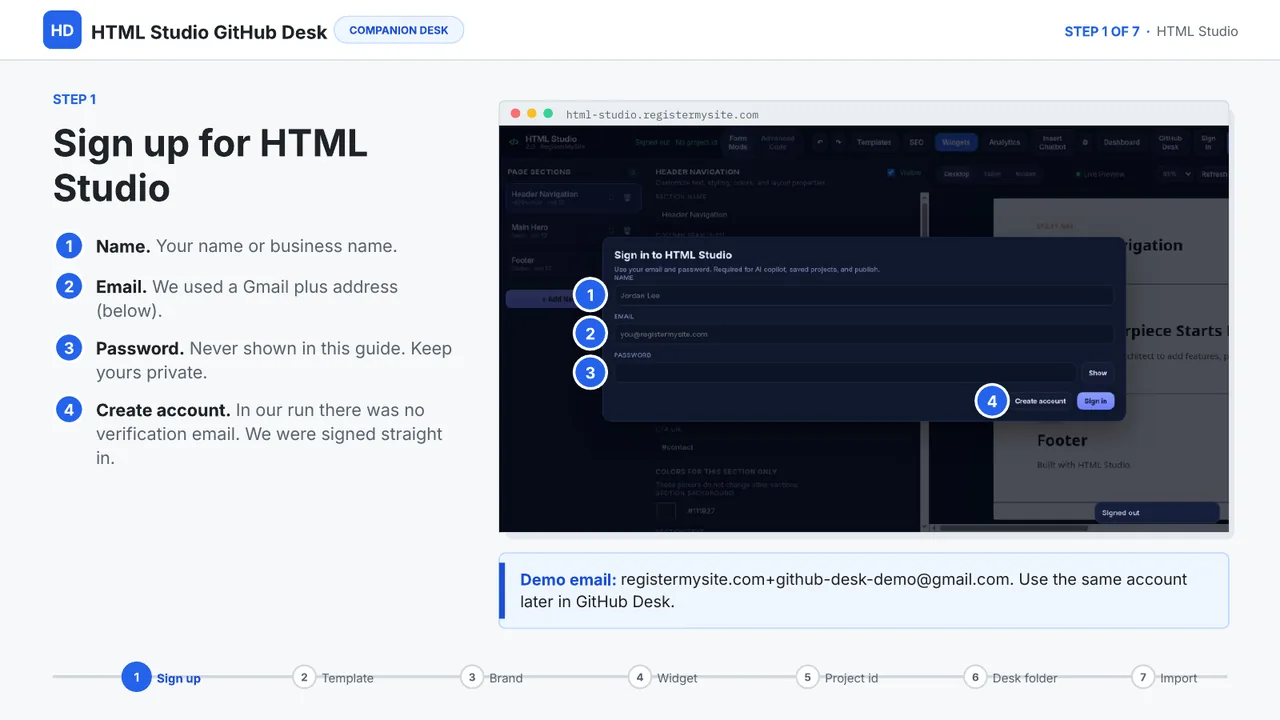
18 slides. Import by project id.
GitHub Desk imports an HTML Studio project into a folder you can edit, with a live preview and export back. The deck uses the Nightshade Tattoo template: rename the brand, add a visitor counter, save to get a project id, create a folder, and import by that id. It is for freelancers and owners who want the files in their account. sync your HTML Studio site to GitHub
Narration covers the Nightshade Tattoo template: rename the brand, add a counter, save for a project id, create a folder, and import that id into GitHub Desk.
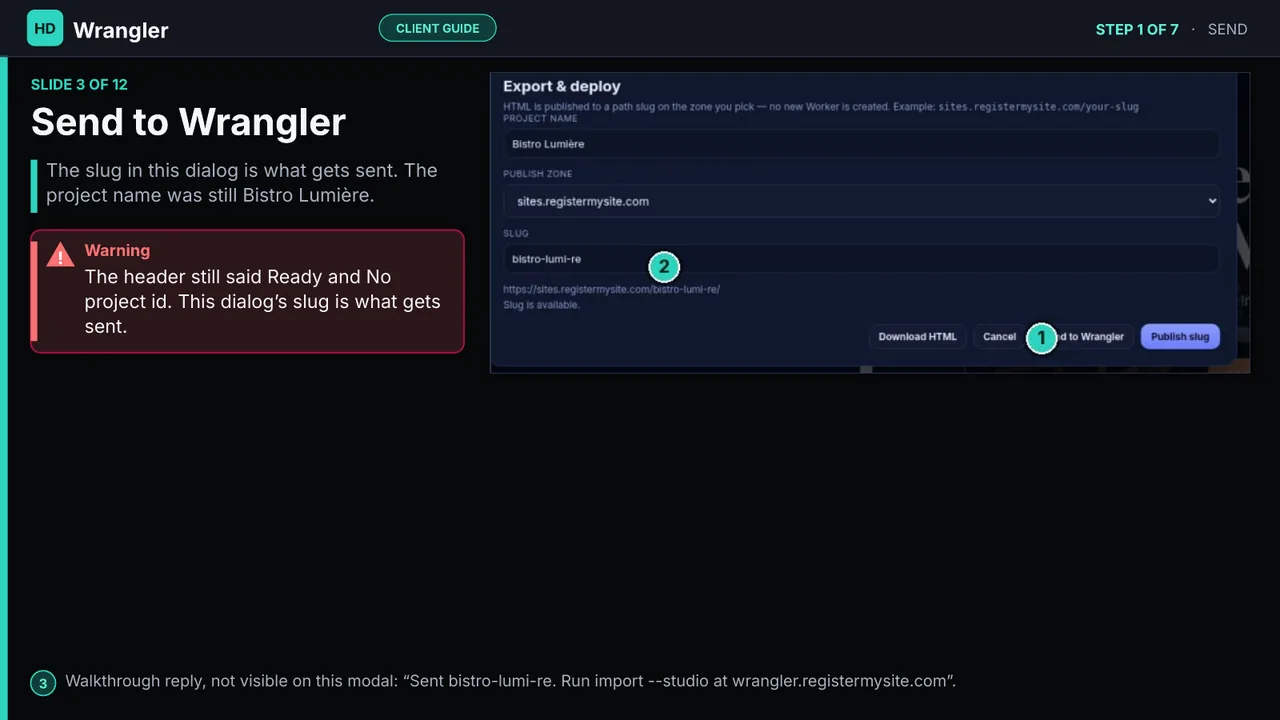
12 slides. Deploy on a zone path.
Wrangler deploys an HTML Studio page onto a Cloudflare zone path. The guide walks a Bistro Lumière run: send the page, import with import --studio, check files with ls and wc, list zones, then rms deploy and open the live path. It is for beginners in Los Angeles and Orange County who want those commands in order. deploy your site to Cloudflare with Wrangler
Narration follows a Bistro Lumière deploy: send the page, import with import --studio, check files, list zones, then rms deploy.
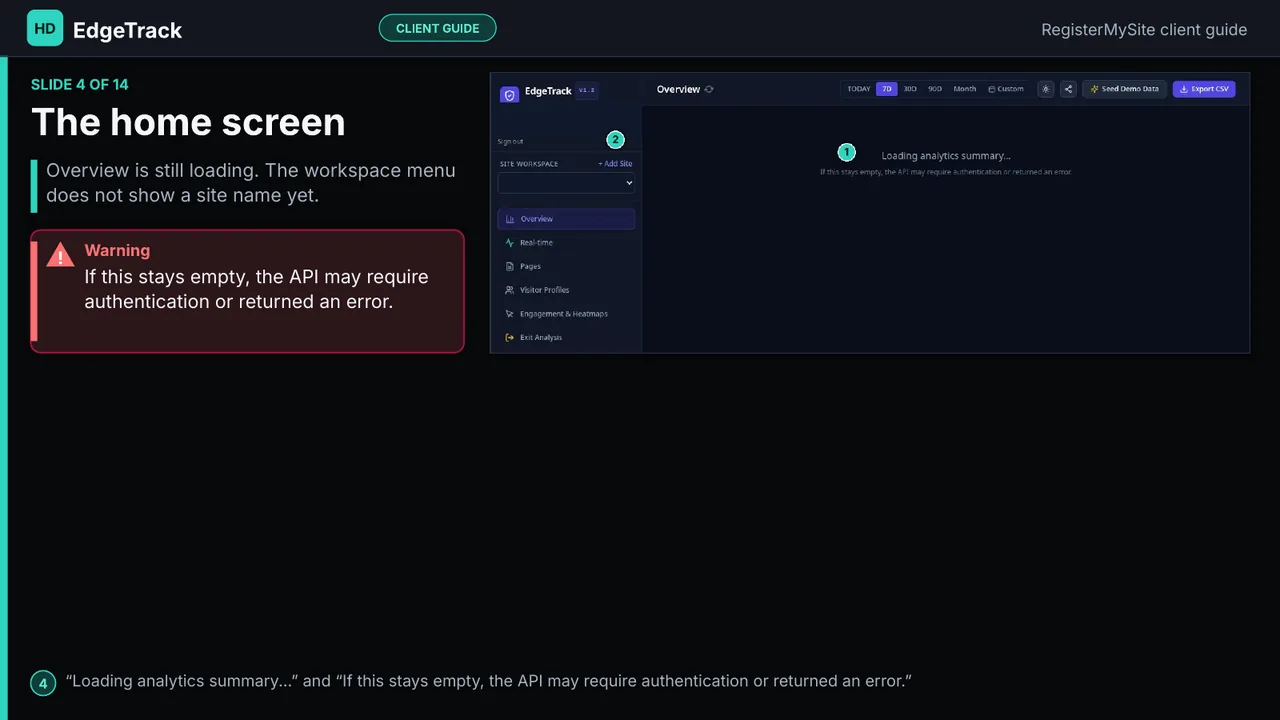
14 slides. Paste the tracker.
EdgeTrack is Cloudflare analytics with IP hashing and Do Not Track. This 14-slide guide creates a workspace, adds a site, copies the snippet, pastes it into an HTML Studio custom embed, and reads the overview, pages, and visitor profiles. It is for small businesses that want page stats without a heavy third-party pixel. set up privacy-friendly website analytics
Narration creates a workspace, adds a site, copies the snippet into an HTML Studio embed, and reads the overview and visitor profiles.
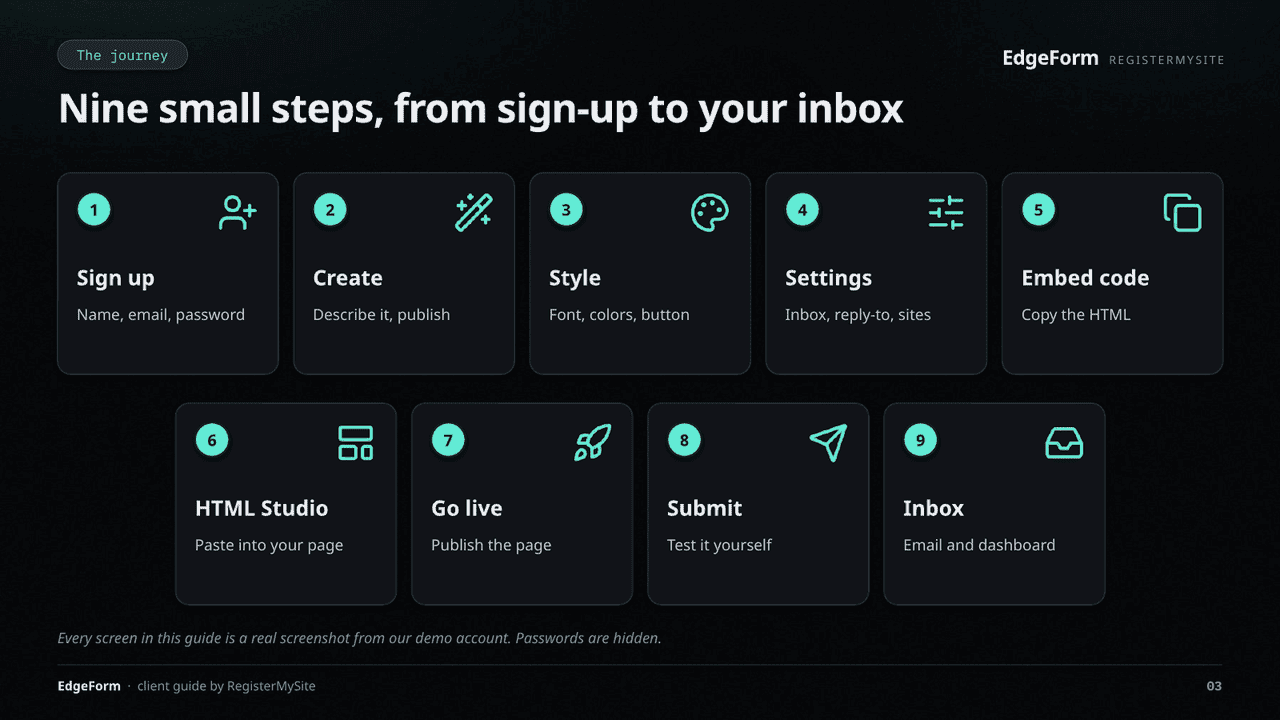
22 slides. Inbox forms on a static page.
EdgeForms is a form backend on the edge: describe a form, publish an endpoint, and get each submission in your inbox. The deck covers sign-up, styling, the notification email, the embed code, pasting it into HTML Studio, a test submit, and the dashboard. It is for LA and OC shops that need a contact form on a static page. collect form submissions with EdgeForms
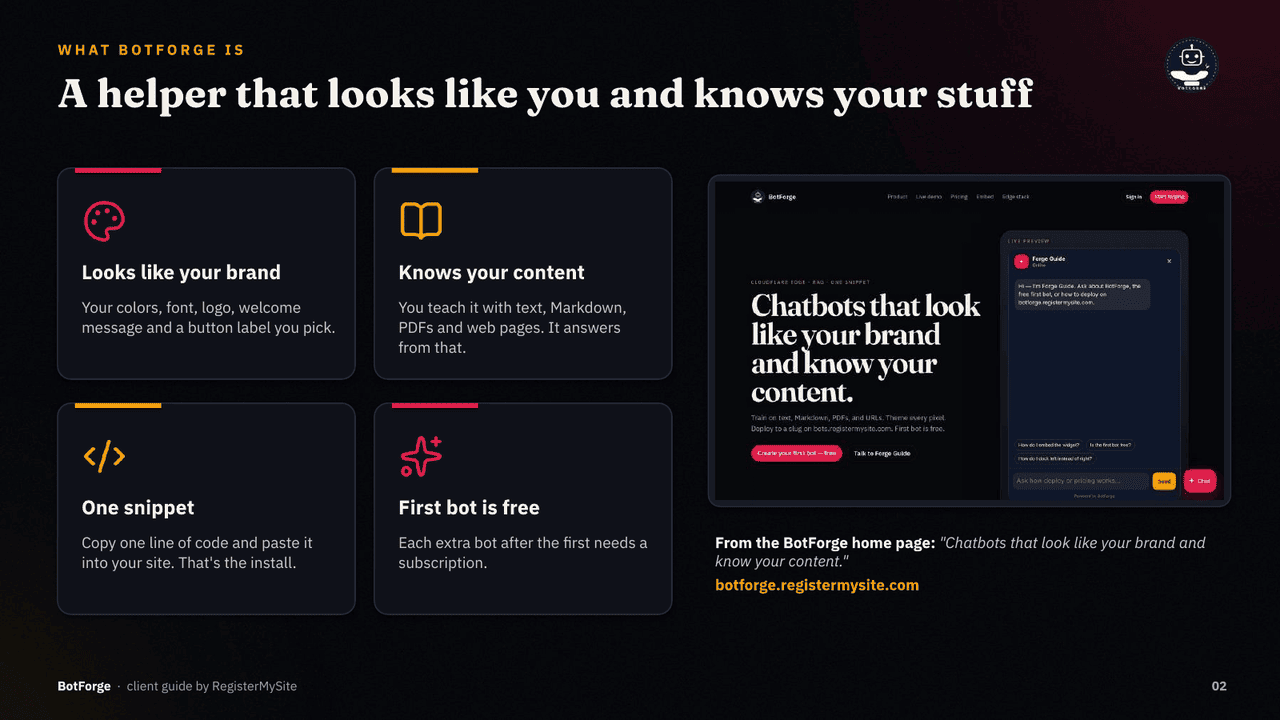
21 slides. Train it, drop one script tag.
BotForge builds a chatbot you theme, train on your own info, and drop in with one script tag. The guide goes from sign-up to a live bot: create it, set the theme, train it, test the answers, pick a model, deploy, and paste the snippet. It is for small businesses and freelancers who want answers on the site. add an AI chatbot to your website
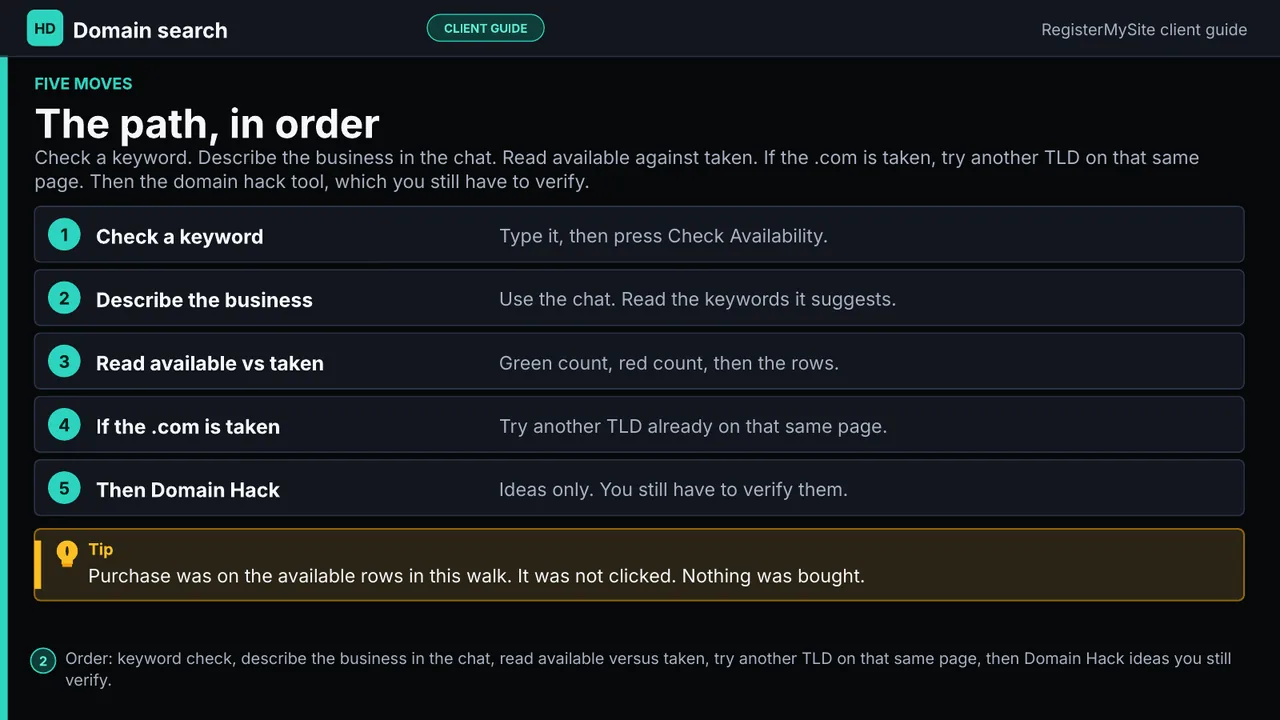
9 slides, narrated.
Advanced Domain Search checks live availability and pricing through Cloudflare Registrar. The narrated 9-slide guide starts at the search screen, runs a keyword check, shows name ideas, marks bakehouse.com taken, and lists other endings plus the domain-hack generator. It is for beginners in LA and OC choosing a name before they register. find and compare available domain names
Narration starts at search, runs a keyword check, shows name ideas, marks a taken .com, and lists other endings.
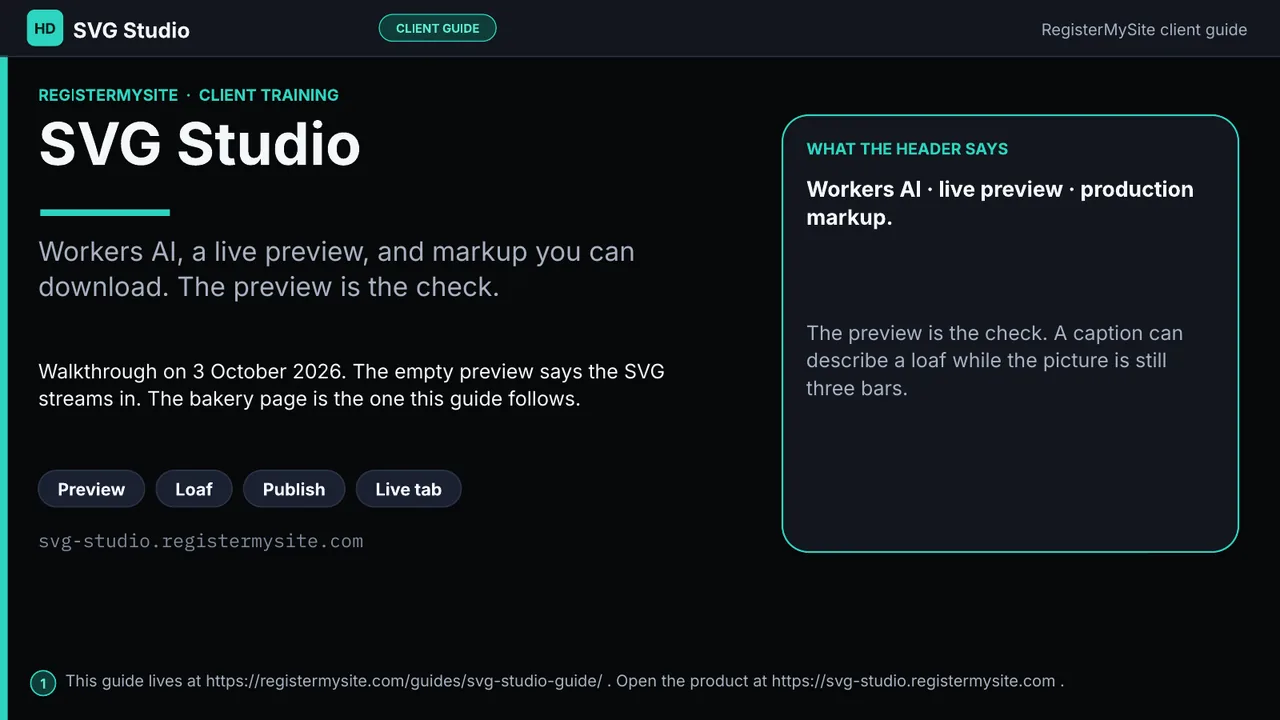
Workers AI marks, plus the recording.
SVG Studio is the Workers AI tool for marks and icons you can paste into a page. The guide follows a real mark from a first preview that is not a loaf, to the loaf logo, into HTML Studio, and onto the published Bistro Lumière page. It is for owners and freelancers who need a simple graphic without a design app. create and edit SVG graphics online
Templates
Pricing
Chatbots, short links, booking, and carousels. Domain registration is priced at search time.
Tell us what you want built. Name, email, phone, and a short description.
In person
Discovery, design review, staff training, and on-site help in downtown LA, the Westside, South Bay, the Valley, Long Beach, Anaheim, Irvine, Santa Ana, and Huntington Beach. Nationwide clients stay remote.
Call (562) 751-4597Professional Email Disposable Inbox open your account
Paste it into static HTML you want to track and display. Publish your visitor counter widget →
A domain in your name, a static site on Cloudflare, schema and a sitemap, optional forms and a chatbot, and professional email.
You do. Code and data stay yours. Confirm the registrar login and hosting access are in your account.
Yes. Hold the name, park it, or point it at social profiles. DNS can take minutes to 48 hours.
.com, .net, and .org are typically $10–$20 a year. The search tool shows the live Cloudflare Registrar price before you pay.
Community
The RegisterMySite community forum is where a finished page leaves the studio. Post the project, drop a lounge video, or live stream the build so another owner can see how HTML Studio, GitHub Desk, and Wrangler actually shipped.
A published zone, a before-and-after of the template, a short clip of the deploy, or a question about EdgeTrack analytics and EdgeForms. It is a show-your-work room, not a ticket queue.
Journal
A short journal helps the pages that already rank. It is not a blog dump. These are the guides behind the tools.
Availability and pricing come from Cloudflare Registrar. Register to confirm the live registry price.