Which tool do you need?
Each guide is a slide deck from a real run. The footnote on the picture is the job that tool is for. Start with HTML Studio if you do not have a page yet.
-
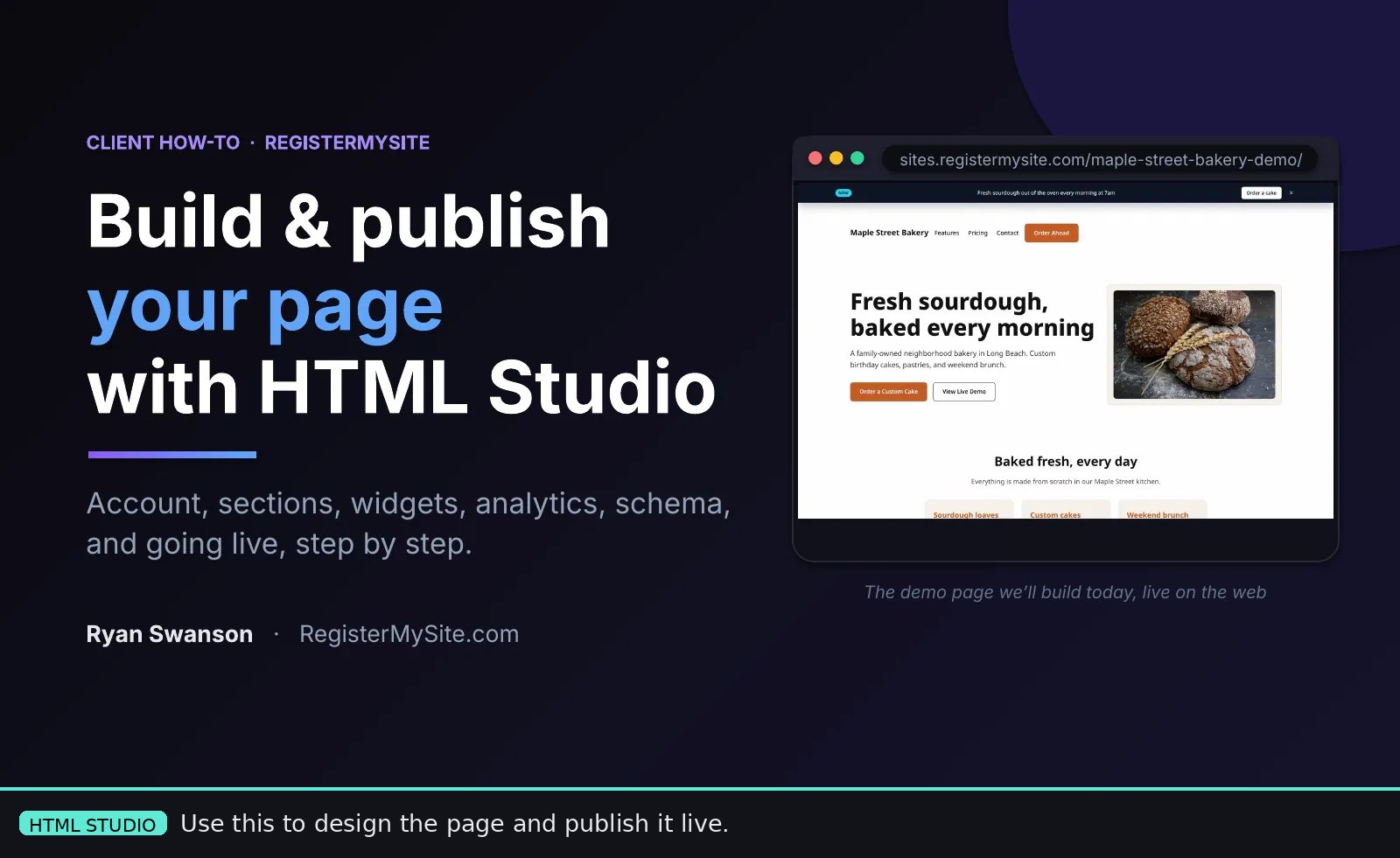 HTML Studio
Build and publish your page
For a bakery, gym, salon, or shop that needs a page on the web. You create an account, edit sections in Form Mode, drop in widgets from Widget Studio, turn on EdgeTrack analytics and schema markup, then Export and Deploy. The deck builds the Maple Street Bakery demo and leaves it live.
-
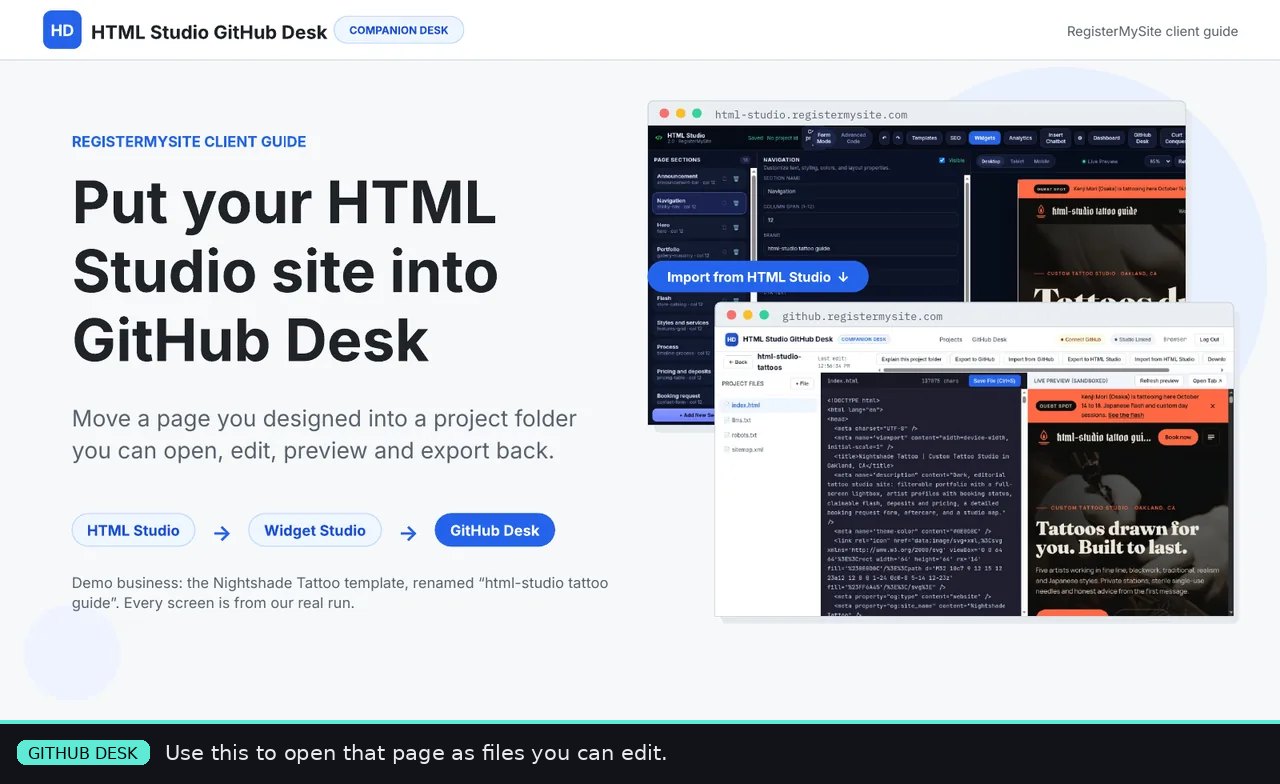 GitHub Desk
Edit the page as a project folder
Use this after HTML Studio, when you want the actual files. The deck takes the Nightshade Tattoo template, renames the brand, adds a Visitor Counter, saves the canvas so you get a project id, then imports that id into a GitHub Desk folder. You get an editor, a live preview, and a way to export back. A template name is not a project id.
-
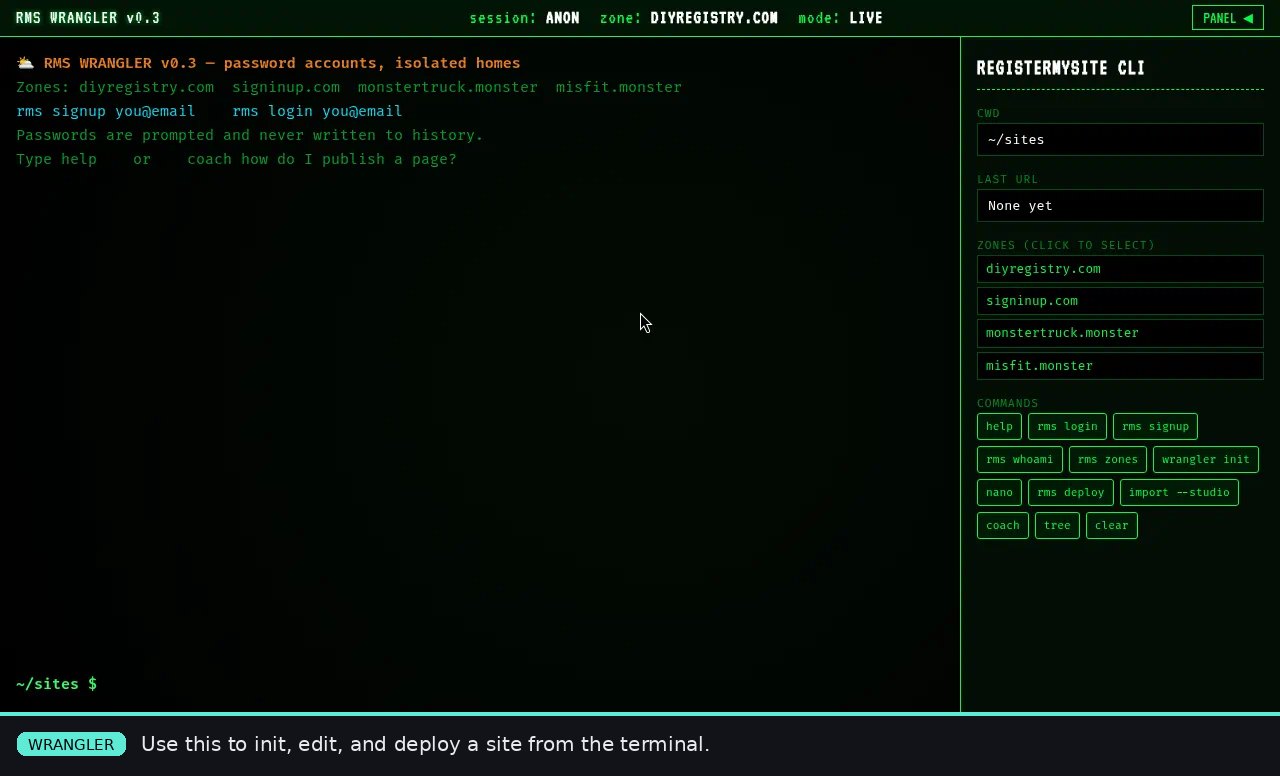 Wrangler
Deploy from the terminal
RMS Wrangler is the RegisterMySite command line, not a slide editor. You sign up or log in, pick a zone, run wrangler init, edit index.html (nano is built in), and rms deploy. import --studio pulls a page you already made in HTML Studio. There is a coach command if you get stuck: coach how do I publish a page?
-
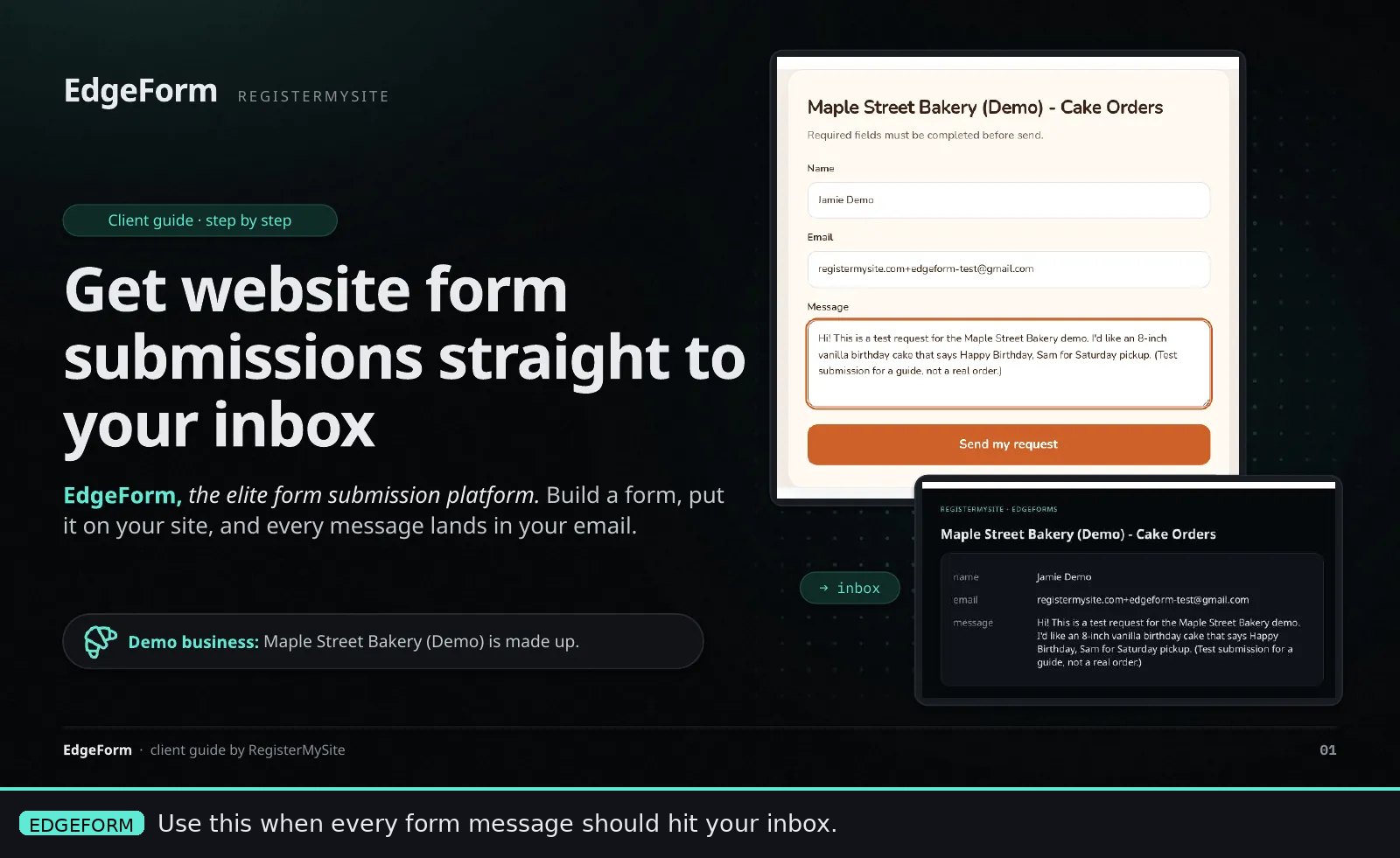 EdgeForm
Get form submissions in your inbox
This is not a page builder. You describe the form, name it, set the destination email, style the button and colors, and copy the embed. Paste that embed into HTML Studio (Custom Embed) or any static HTML page. A test submission shows up in the dashboard and in the notification email, with reply-to set to the person who wrote in.
-
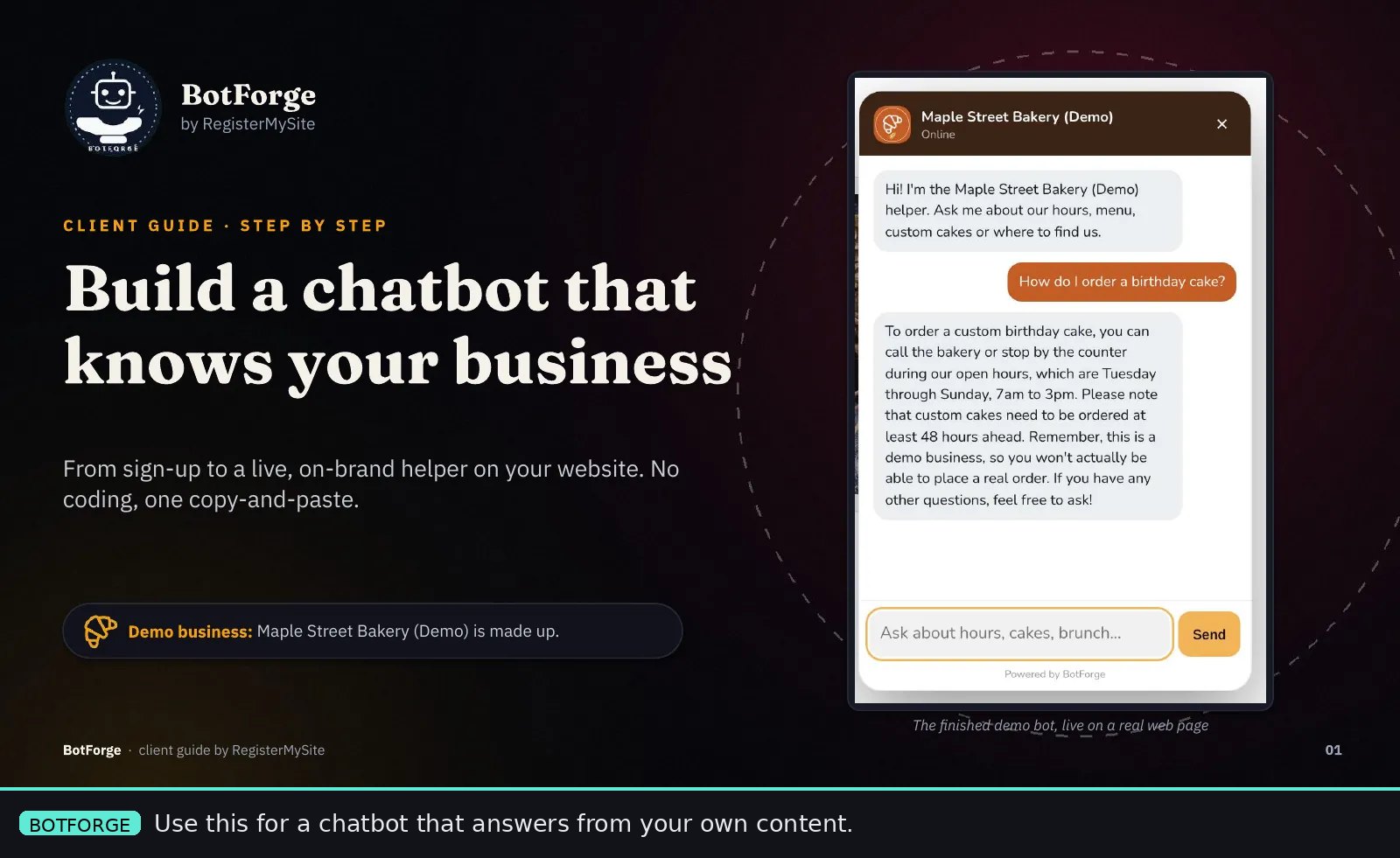 BotForge
Put a chatbot on the site
You create a bot, match its colors and launcher to the brand, then train it by pasting text, scraping a URL, or uploading a file. After it answers a real question in preview (and admits when it does not know), you deploy and copy one snippet. Paste that snippet before the closing body tag, or use Insert Chatbot in HTML Studio. The account page lists every page the bot is installed on.
Questions
How do I share my custom template?
Publish it as a normal static site, then send the link. In HTML Studio that is Export and Deploy: you get a live URL such as a page on sites.registermysite.com. From GitHub Desk, export or deploy the project folder. From Wrangler, rms deploy publishes the folder you are in. One index.html is enough. Extra pages are just more HTML files in the same folder. Share that live URL.
Pro tip. Put the live URL behind a short branded link at links.registermysite.com. You get a custom link, a QR code, and click analytics, which is easier to hand to a customer than a long deploy URL.
GitHub Desk, Wrangler, or EdgeForm?
GitHub Desk (github.registermysite.com) is the visual desk. Import an HTML Studio project by its id, edit the HTML, preview it, and export it back. Use it when you want files but not a terminal.
Wrangler (wrangler.registermysite.com) is the same job from the command line: pick a zone, init a site, edit, deploy, or import from HTML Studio. Use it when you are already comfortable in a terminal.
EdgeForm (forms.registermysite.com) does not publish your site. It only receives form posts and emails them to you. Build the page in HTML Studio, GitHub Desk, or Wrangler, then paste the EdgeForm embed into that page.